1. Designing Serendipity
I created an AI-native app that re-imagines navigating Wikipedia with left and right swipes. With AI working subtly in the background, my app generates narrative arcs that entice users into new, unexplored territory.
React Native
|
Code-As-Design
|
AI-Native
|
UX Simulations
1. Designing Serendipity
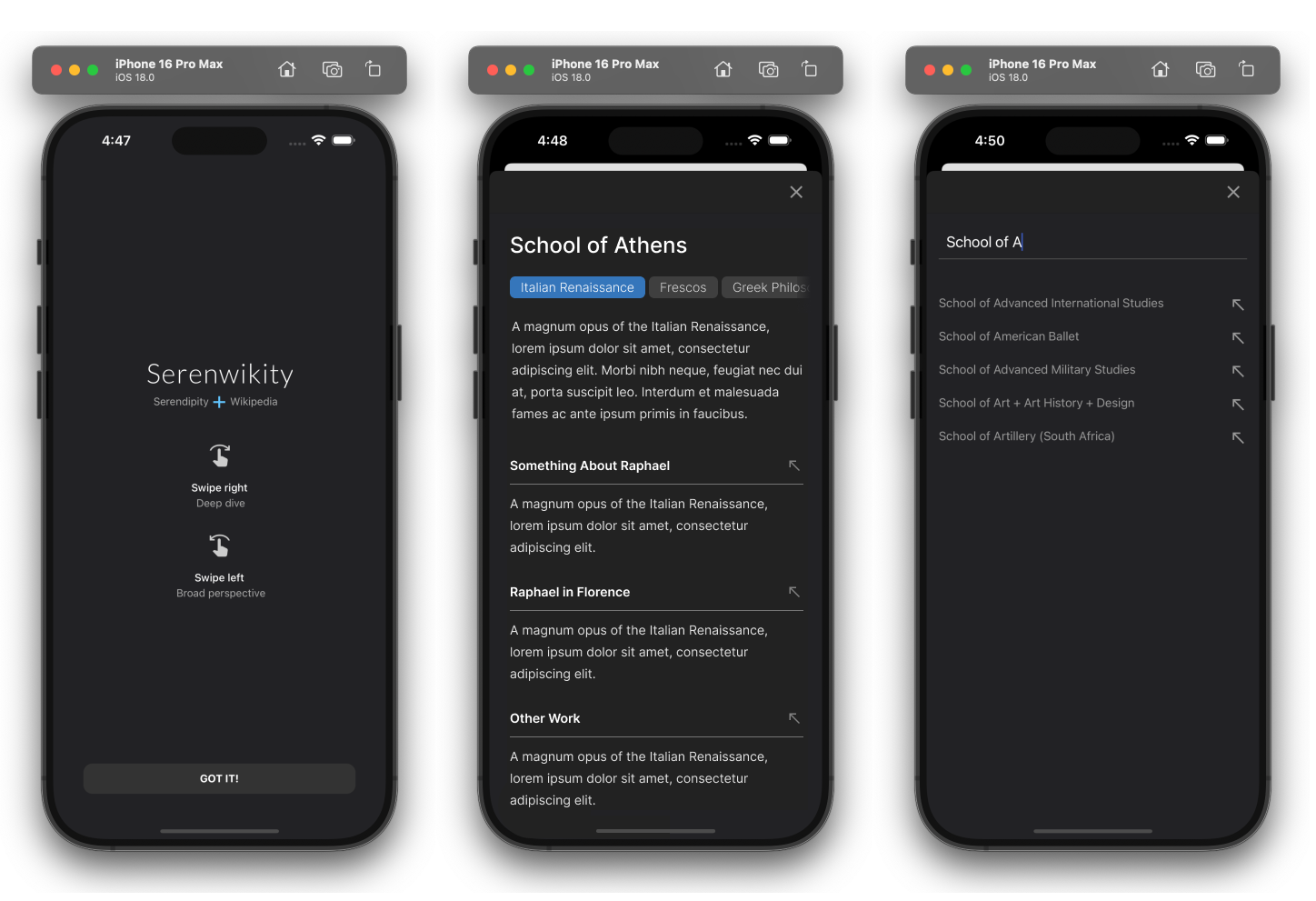
Right-swipes create an ever-emerging narrative
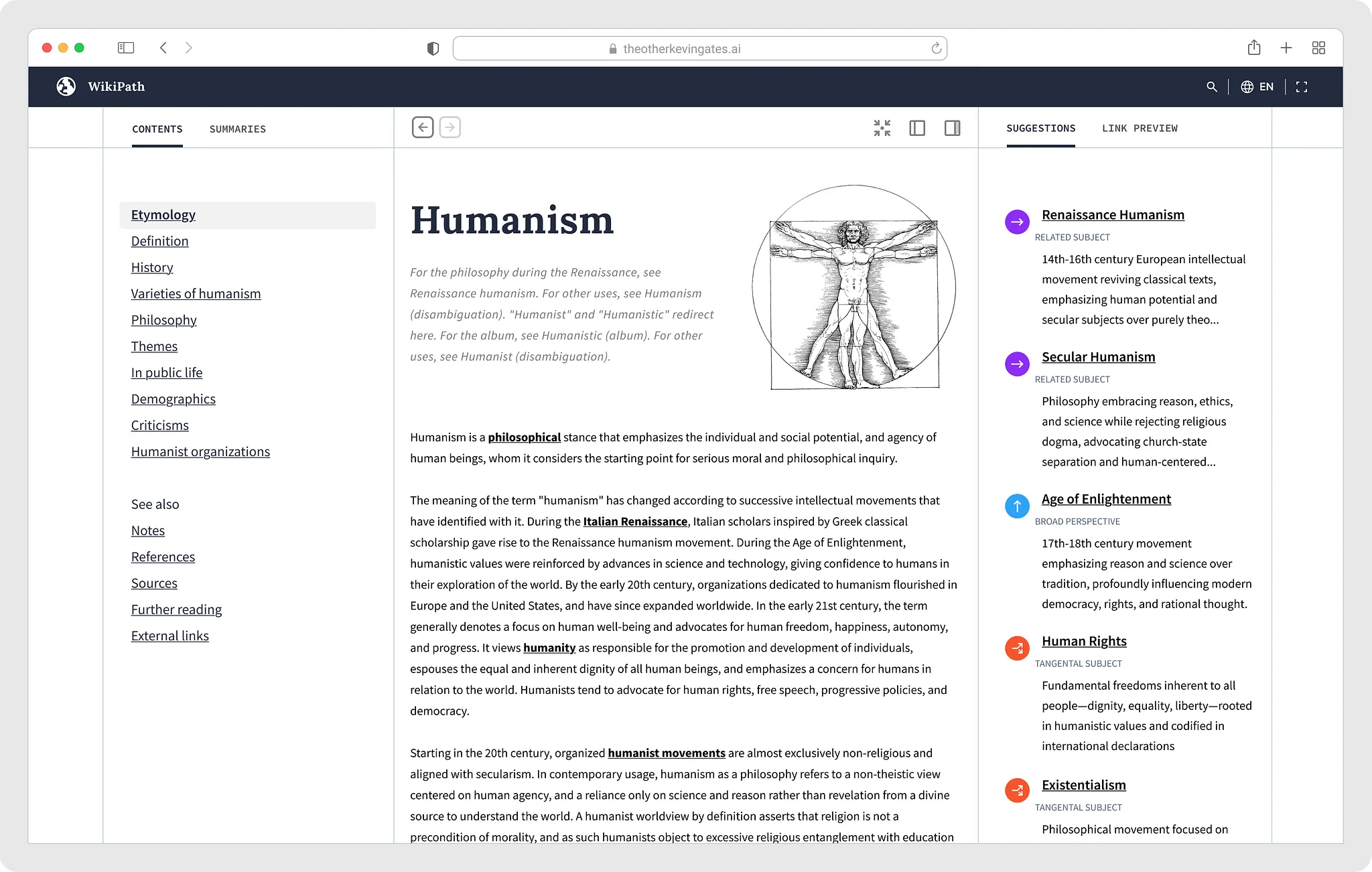
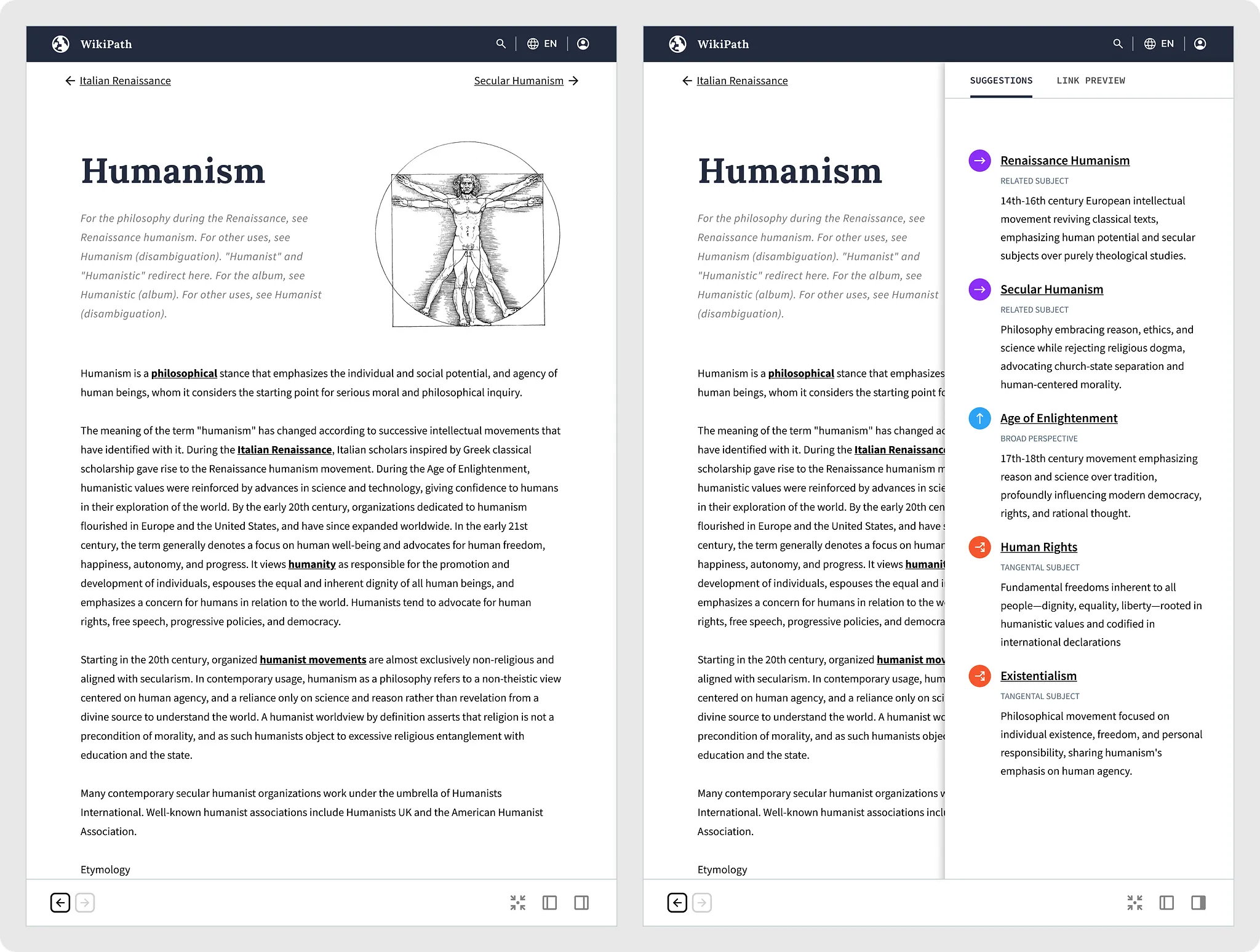
Right swipes work something akin to a moving average — users can swipe as long as they like, and the app will act as a subtle guide that weaves an endless, fluid narrative. This is how it works:
- The app looks at the last three wiki pages visited.
- It extracts all of the URLs from the current wiki page.
- It picks a URL that logically continues the sequence of pages.

1. Designing Serendipity
Left swipes back out to broad perspectives
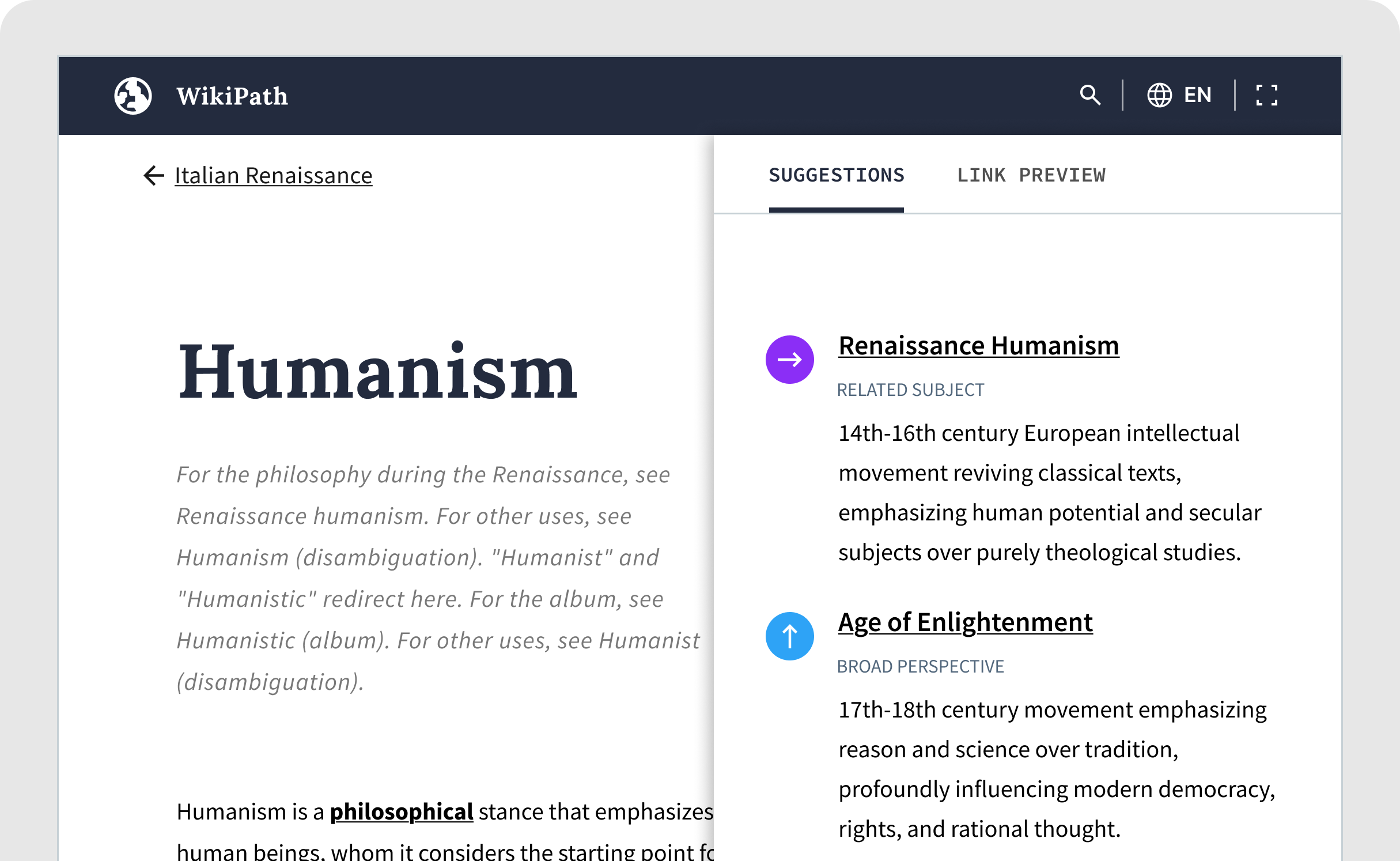
The right swipe enables low-friction information foraging, letting users quickly skim through vast information spaces until they find something interesting. But what if a right swipe leads to something that is not intriguing? The user can swipe left and go to a broader, related subject, and keep doing that until they decide to swipe-right.
1. Designing Serendipity
I didn't start with the problem. I started with curiosity.
At the outset of this project, I had a hunch about how the app would work, but nothing was clearly defined. Core functionality and subtle refinements emerged as I worked in rapid iterations in code.
1. Designing Serendipity
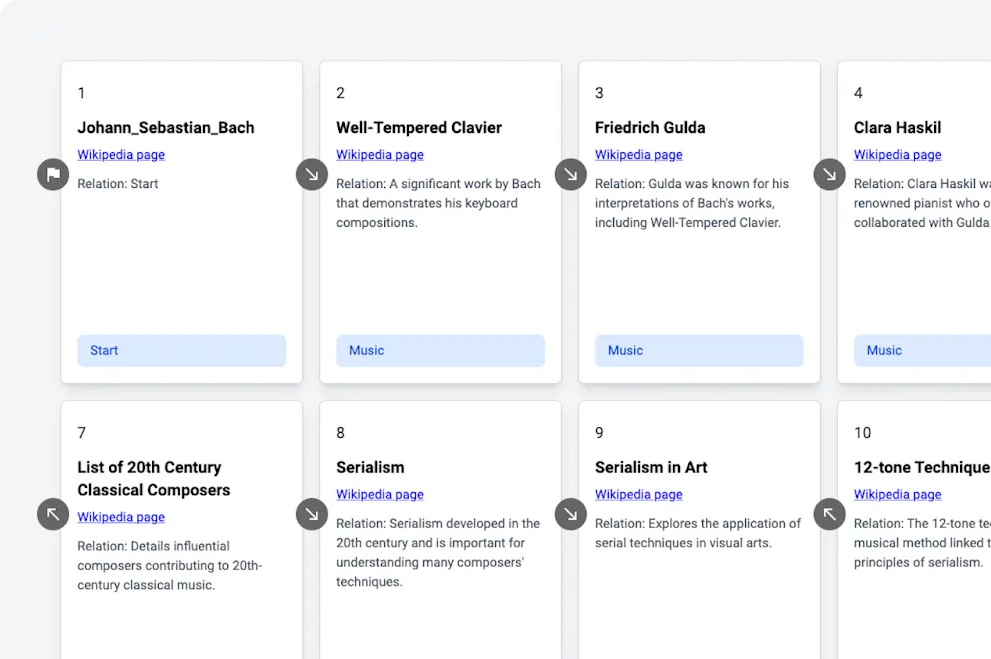
LLM prompts were at the heart of the creative process
Before I wrote any React Native code or sketched out ideas, I created a Python-based simulation of the user experience. The simulation was fairly straightforward: I wrote LLM prompts for left and right swipes, then Python code to run simulations of users swiping. The output was a sequence of cards showing what the user would have experienced.
1. Designing Serendipity
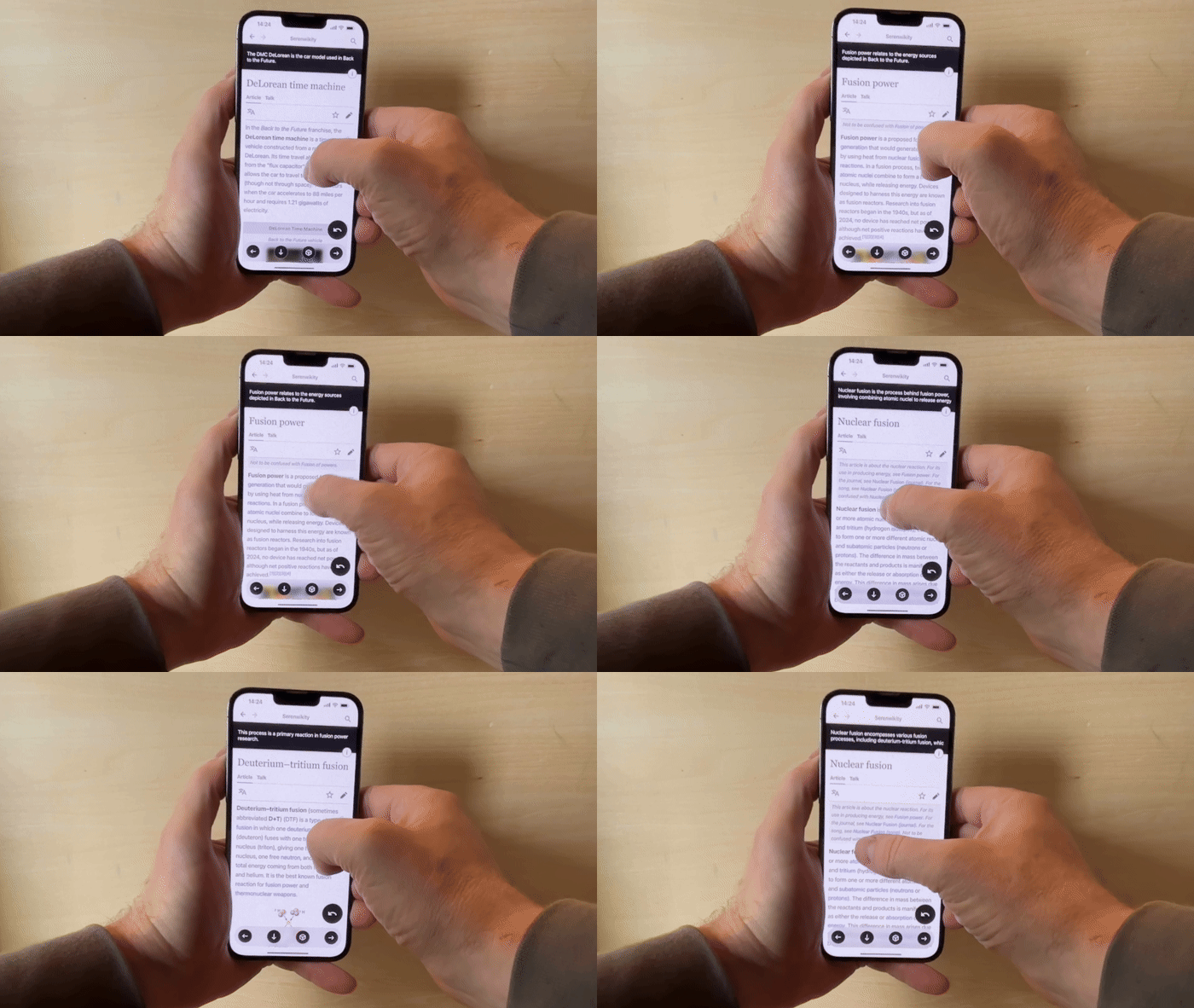
Coding is designing
I worked through most interaction design problems in code. React Native’s hot reloads let me to tweak swipe animations and test them out on my physical phone instantly. Iterating on a design with a device in-hand is unparalleled.
1. Designing Serendipity
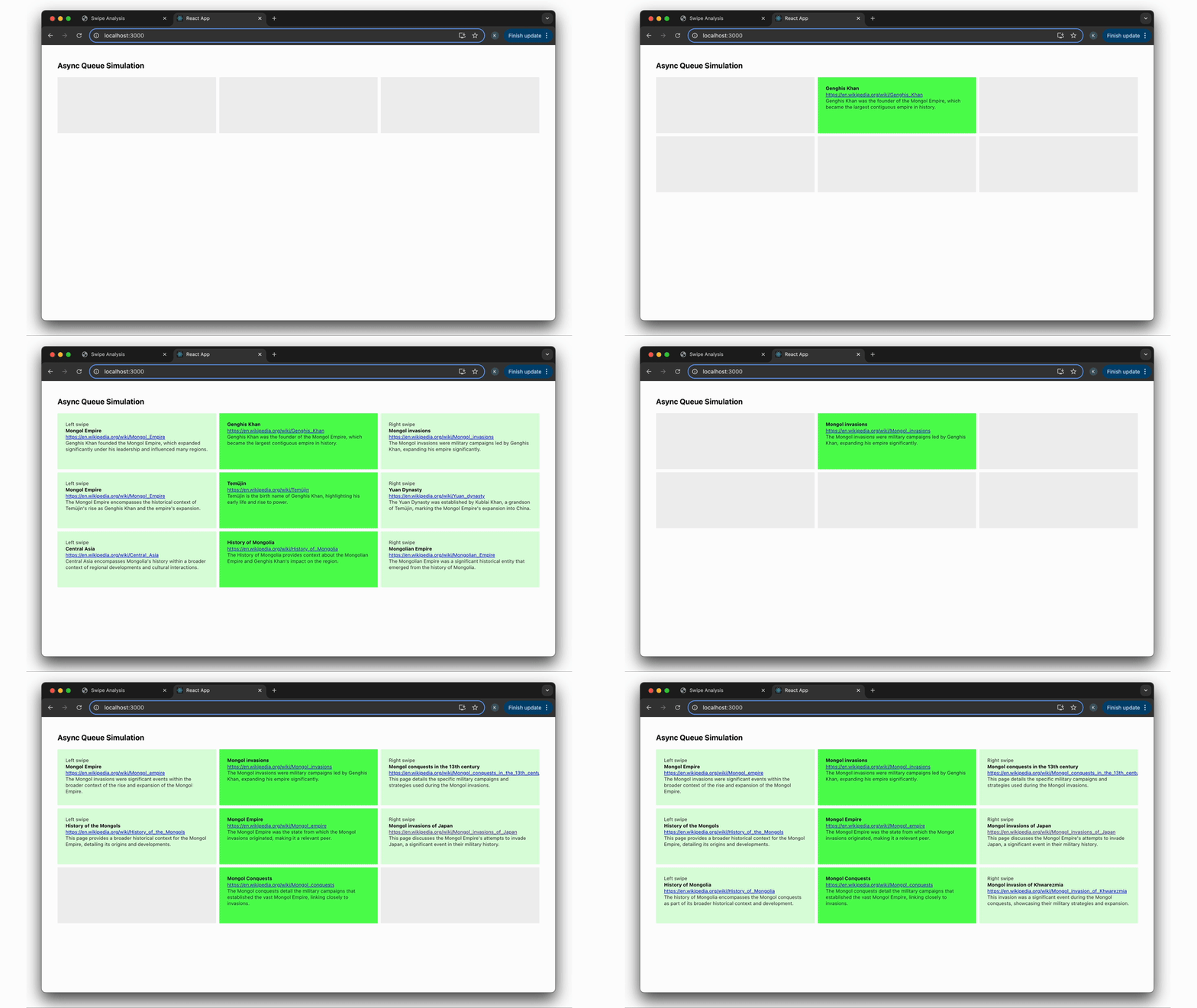
Speed and performance are fundamental to good user experiences
I envisioned the interactions around swipes as feeling fast, simple, and infinite to the user. To accomplish this, I created a React-based simulation of right and left swipes to help me figure out how to make preemptive LLM API calls asynchronously.